About Net Protector Mobile Device Management 1 User 1 year
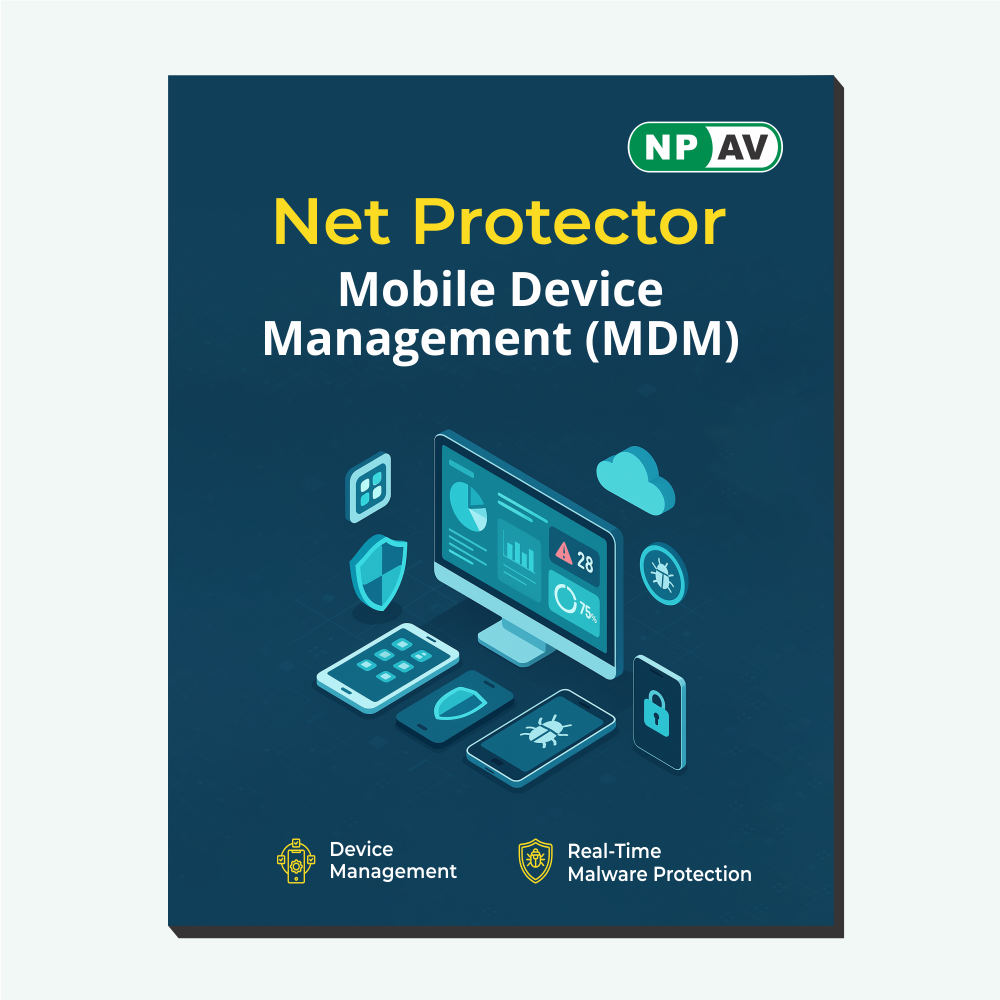
Mobile Device Management (MDM)
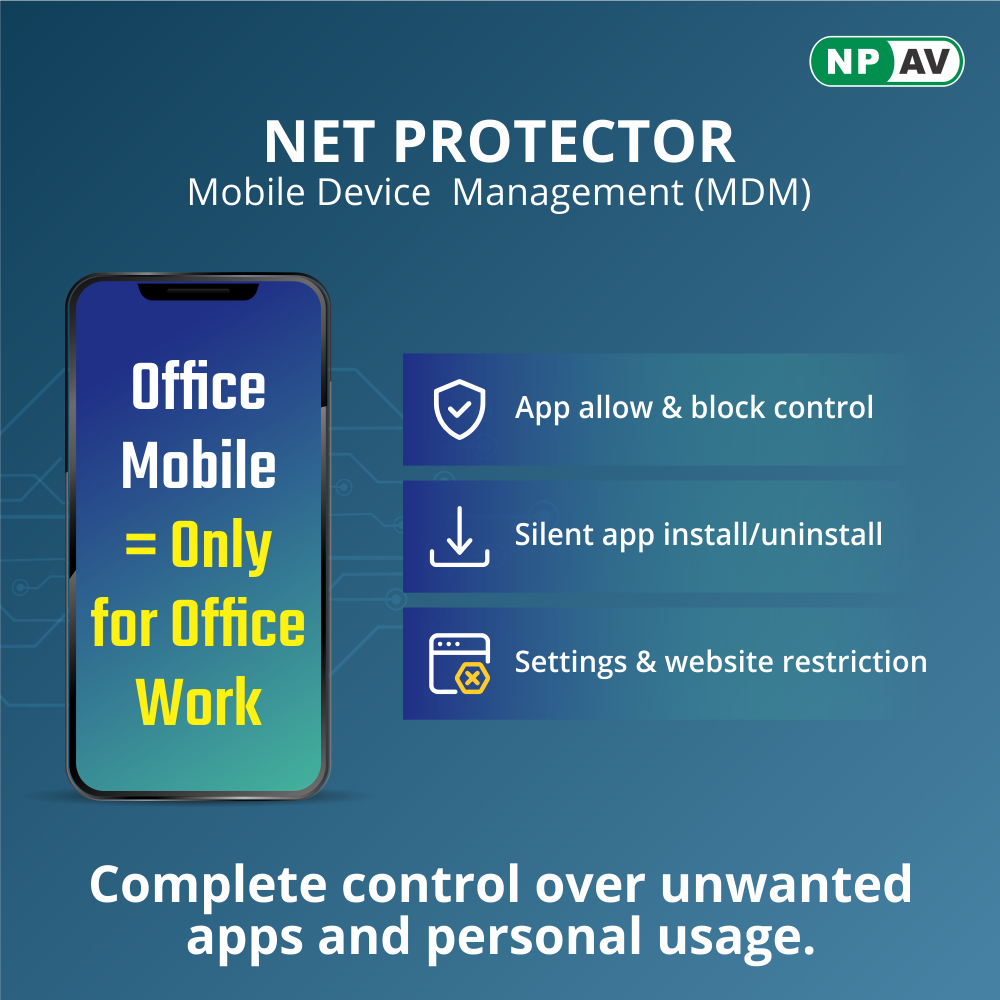
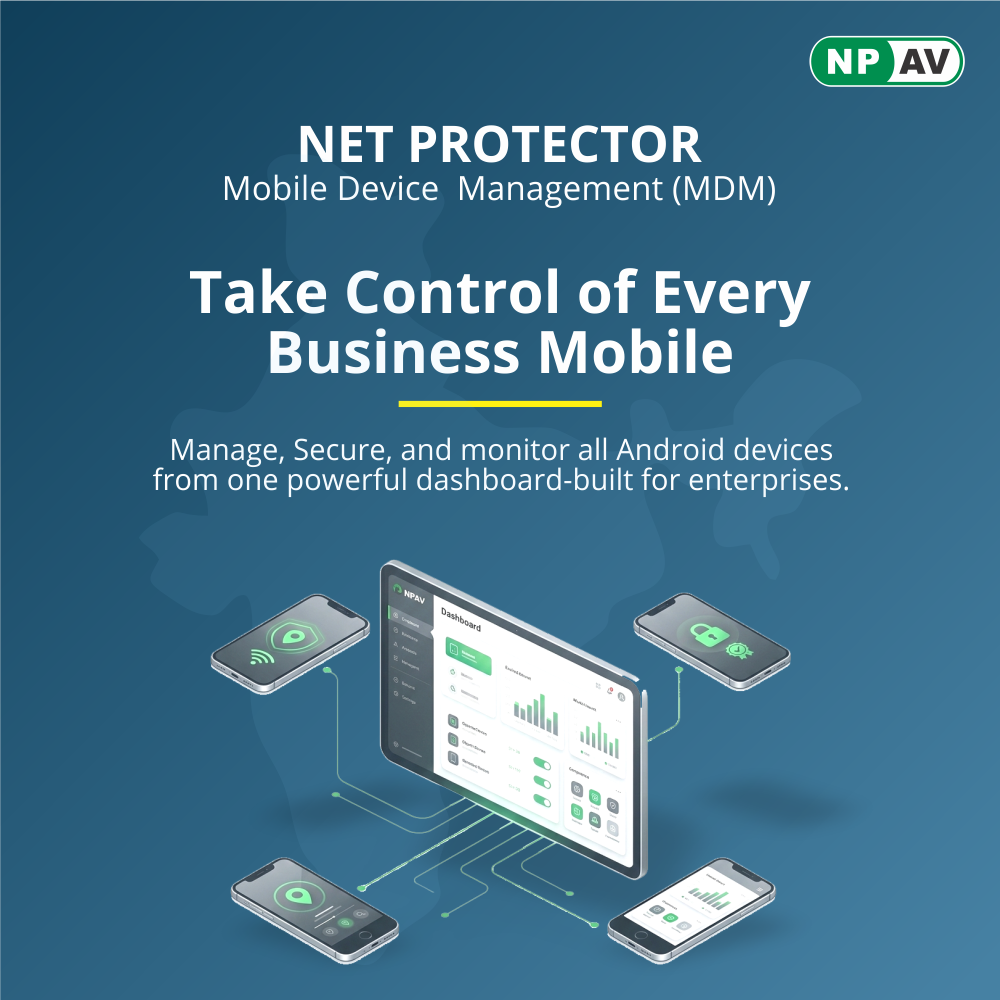
Net Protector MDM is an enterprise-grade mobile management solution designed to protect sensitive data, enforce usage policies, and streamline device administration. It empowers IT teams to manage mobile endpoints across Android platforms with robust security controls, real-time monitoring, and application governance.
Our solution leverages Android Management API and Android Device Policy to deliver secure, standards-compliant device management aligned with the latest Android Enterprise architecture.
Supported Deployments
- Fully Managed (Corporate-Owned)
- Dedicated / Kiosk Devices
Core Capabilities
- Device provisioning and lifecycle management
- Policy enforcement and compliance controls
- Application management via Managed Google Play
- Remote configuration and monitoring
- Work Profile data separation
- Enterprise security enforcement (password, encryption, restrictions)
Security & ComplianceNPAV MDM enforces enterprise-grade security using Android Enterprise management controls with centralized policy management and continuous compliance monitoring.
Comprehensive Protection and ManagementWith Net Protector MDM, you gain comprehensive defense through advanced antivirus and firewall capabilities, protecting your Android devices against viruses, malware, and unauthorized access. Centralized policy management ensures consistent security for multiple users, while continuous compliance monitoring helps maintain organizational security standards.
Flexible and Seamless DeploymentThe software is delivered via digital download and activated online with a unique license key, making installation quick and hassle-free. Its compatibility with various Android devices, including smartphones and tablets, combined with multi-user support, ensures flexibility for growing teams or families.
FAQ's of Net Protector Mobile Device Management 1 User 1 year:
Q: How do I activate Net Protector Mobile Device Management after purchase?
A: After purchasing, you will receive a software license key. Use this key during online activation by downloading the software and following the guided setup to secure your Android devices.
Q: What security features does Net Protector MDM provide for Android devices?
A: Net Protector MDM offers antivirus protection, a robust firewall, centralized policy management, and continuous compliance monitoring to shield your Android devices from digital threats and ensure organizational requirements are met.
Q: When should I use the centralized policy management feature?
A: Centralized policy management is ideal when administering multiple Android devices. It allows for efficient updates, consistent security policies, and streamlined monitoring from a single dashboard, reducing administrative burden and enhancing compliance.
Q: Where can I use Net Protector MDM, and which devices are supported?
A: Net Protector MDM is compatible with Android smartphones and tablets. You can use it across India, benefiting from English and Hindi language support for easy management and communication.
Q: What is the process for downloading and installing Net Protector MDM?
A: Simply access the digital download link provided after purchase, install the application on your Android device, and activate it using the supplied license key for immediate protection.
Q: How does continuous compliance monitoring benefit my organization?
A: Continuous compliance monitoring ensures that all connected Android devices adhere to the latest security standards and organizational policies, reducing the risk of breaches and supporting ongoing regulatory compliance.
Q: What are the main advantages of using Net Protector MDM for my business?
A: By using Net Protector MDM, you benefit from enhanced device protection, reduced management workload, streamlined policy enforcement, real-time compliance oversight, and multi-language support, all tailored for businesses and individuals in India.



 Send Inquiry
 Send Inquiry

