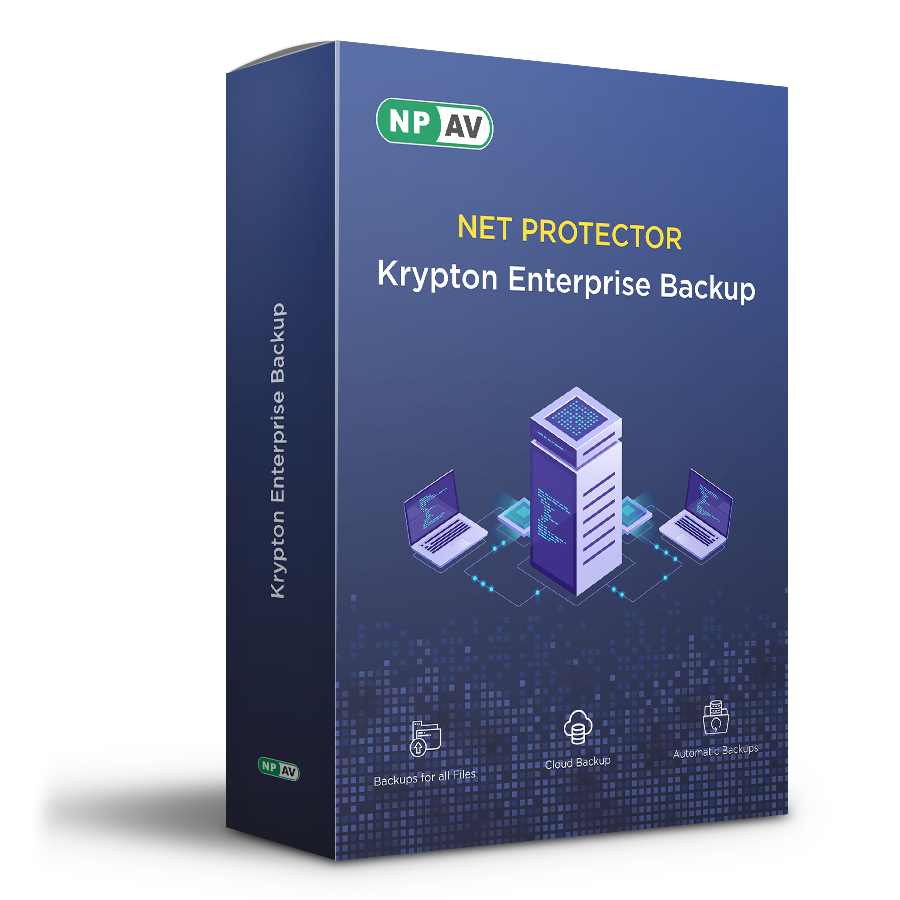
About Net Protector KryptonEB | 1 User 1 year
Net Protector's Krypton Enterprise Backup is automatic
backup software for organizations. Compatible with Windows 10 and earlier
versions, it backs up data to another directory, hard drive, or
networked computer, ensuring your critical data is always safe and recoverable.
- Cloud Backup, LAN Backup HOD Backup
- Automatic Backups
- Backup All files
- Backup of SQL Server databases
- Highest level of encryption
- Supports Windows 11/10/8.1/8/7
Comprehensive Data ProtectionNet Protector KryptonEB delivers all-inclusive backup solutions, supporting multiple backup methods, such as cloud, LAN, and hard drive backups, as well as dedicated SQL Database protection. This combination shields critical files from accidental deletion, system failures, or cyber threats.
Multiuser Capacity for Enhanced ProductivityBuilt to serve both individual and multiuser needs, KryptonEB is perfectly suited for growing teams or expanding businesses. This adaptability ensures seamless backup management and data protection across all users in a Windows environment.
FAQ's of Net Protector KryptonEB | 1 User 1 year:
Q: How does Net Protector KryptonEB secure my data on Windows systems?
A: Net Protector KryptonEB protects your data through a variety of backup solutions, including cloud backup, LAN backup, hard drive backup, and SQL Database backup. This ensures both everyday files and databases are consistently safeguarded.
Q: What security features are incorporated into Net Protector KryptonEB?
A: The security features include automated cloud backups, network (LAN) backups, hard drive backups, and SQL Database backups. Together, these shield your valuable files and data from loss, corruption, or accidental deletion.
Q: When should I use the different backup modes provided by KryptonEB?
A: Use cloud backup for off-site safety, LAN backup for local network redundancy, and hard drive backup for quick, on-device restoration. For businesses managing databases, the SQL Database backup mode provides an additional layer of protection.
Q: Where can Net Protector KryptonEB be installed and used?
A: This software is designed for Windows systems and can be installed on any compatible device. It supports both individual and multiuser setups, making it suitable for diverse operational environments across India.
Q: What is the process of backing up data with KryptonEB?
A: The application offers a straightforward setup with scheduled or manual backups. Select your preferred backup mode, configure your settings, and let KryptonEB automatically manage your data protection, minimizing effort and risk.
Q: What are the main benefits of using Net Protector KryptonEB for my data security needs?
A: KryptonEB provides peace of mind by continuously protecting your data through different backup strategies. Its multiuser capacity, support for SQL Database backups, and simple interface make it ideal for businesses and individuals seeking reliable file security on Windows.






 Send Inquiry
 Send Inquiry

