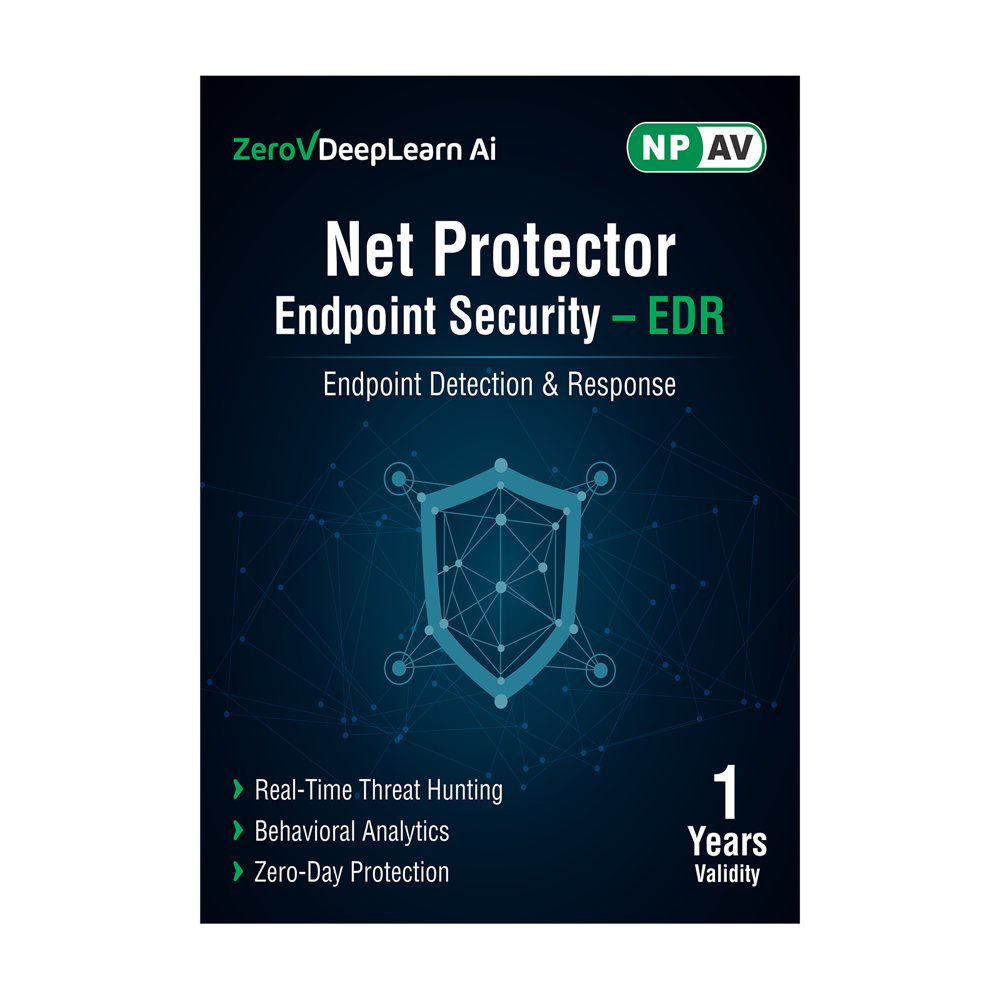
About Net Protector Endpoint Detection & Response(EDR)
NPAV EDR is a solution designed to safeguard computer endpoints such as workstations, servers, laptops, and mobile devices from a wide range of threats, including malware, ransomware, advanced persistent threats (APTs), and other cyberattacks.
EDR solutions are an essential component of modern cybersecurity strategies and are used to enhance an organization's ability to detect, respond to, and mitigate security incidents.
EDR platforms help security teams identify suspicious endpoint activity, eliminate threats before they spread, and minimize the impact of attacks. It is a part of an Endpoint Protection Platform (EPP), which includes advanced antivirus and anti-malware protection.
Comprehensive Multi-Layered Threat DetectionNet Protector EDR integrates signature-based, heuristic, behavior-based, and machine learning detection methods to swiftly identify both known and emerging threats. With additional reputation and cloud-based threat intelligence, this solution proactively addresses vulnerabilities across endpoints, ensuring advanced protection for organizations handling sensitive data.
Centralized Security Management and ControlAdministrators benefit from centralized policy management, allowing them to implement security protocols and monitor endpoints from a unified dashboard. Role-Based Access Control (RBAC) supports granular management, while automated updates keep all devices protected against the latest threats-streamlining organizational security efforts.
Flexible Deployment and Broad CompatibilityThe solution supports online activation and can be deployed on-premise or within private cloud infrastructures, offering flexibility for organizations of varying sizes and requirements. Fully compatible with systems running Windows or Linux, Net Protector EDR secures desktops, laptops, and computers across diverse IT environments.
FAQ's of Net Protector Endpoint Detection & Response(EDR):
Q: How does Net Protector EDR detect and respond to threats on endpoint devices?
A: Net Protector EDR employs a combination of signature-based, heuristic, behavioral, and machine learning detection methods. These enable the system to recognize and respond to both known and unknown threats in real time, while additional reputation and cloud-based threat intelligence further enhance detection and immediate response.
Q: What is the deployment process for Net Protector EDR in an organization?
A: Deployment is flexible; Net Protector EDR can be activated online and installed on-premise or in a private cloud environment. After installation, administrators can centrally configure security policies and manage endpoints using the platform's intuitive dashboard.
Q: When are security updates and threat intelligence applied to protect devices?
A: Security updates are provided and applied automatically in real time, ensuring that all protected endpoints receive the latest threat intelligence and security patches as soon as they are released by the provider, minimizing exposure to newly discovered vulnerabilities.
Q: Where can Net Protector EDR be used within an organization?
A: Net Protector EDR can be utilized wherever computer endpoints such as desktops, laptops, and servers are in operation. It is designed for multiuser environments and includes support for both Windows and Linux systems, making it suitable for a wide variety of organizational setups.
Q: What benefits does centralized policy management offer in Net Protector EDR?
A: Centralized policy management allows administrators to efficiently apply, monitor, and adjust security rules from a single interface. This streamlines security operations, reduces administrative overhead, and helps maintain consistent protection across all managed devices.
Q: How is access control managed within the platform?
A: Access control is managed through Role-Based Access Control (RBAC), allowing organizations to assign specific security management roles and permissions to different users. This ensures only authorized personnel can make critical changes or access sensitive security settings.






 Send Inquiry
 Send Inquiry

